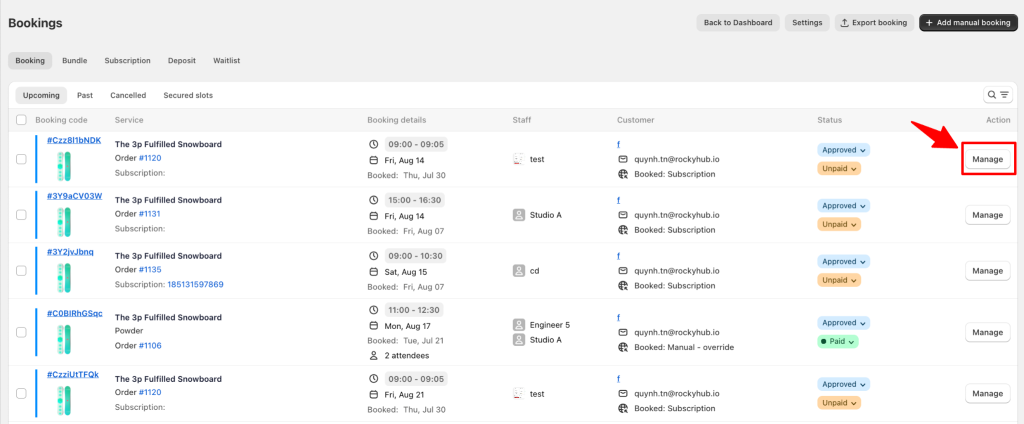
You can go to Meety > Bookings > Manage to see all details of a booking.
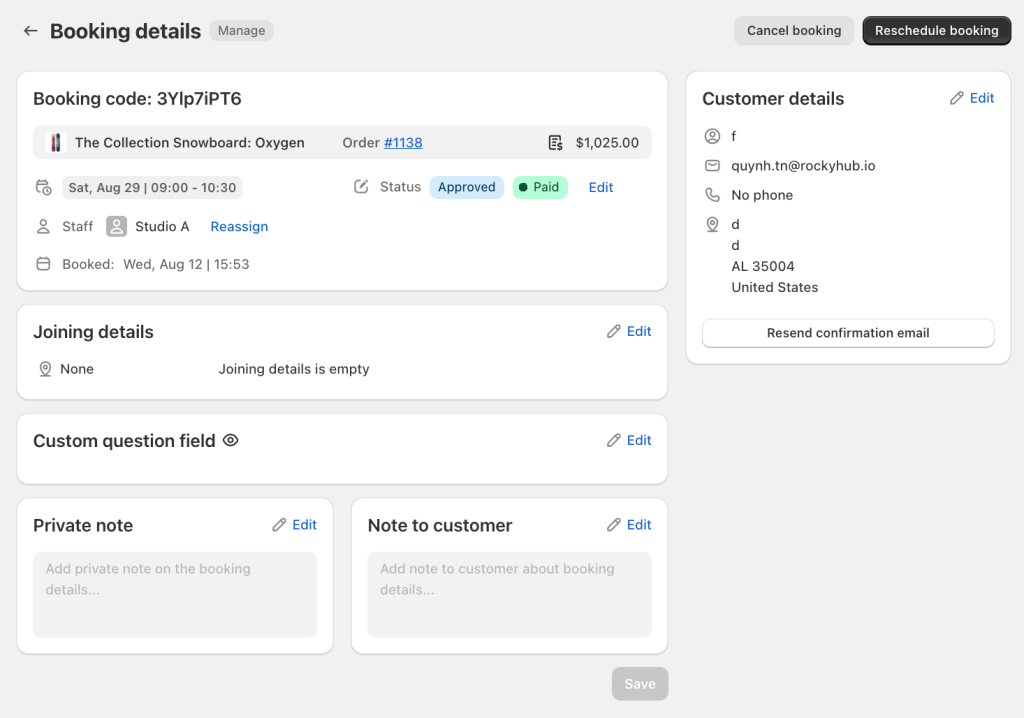
In Booking details, you can see details of your booking include:
Booking code
Service title
Shopify order number
Service price
Booking time slot
Booking status
When the booking is made
Assigned staff that take care of the booking
You can reassign the staff for the booking by clicking the button Edit.
In Customer details, you can see details of your customer include:
Customer name
Customer email address
Customer phone number
Customer location
Resend confirmation email
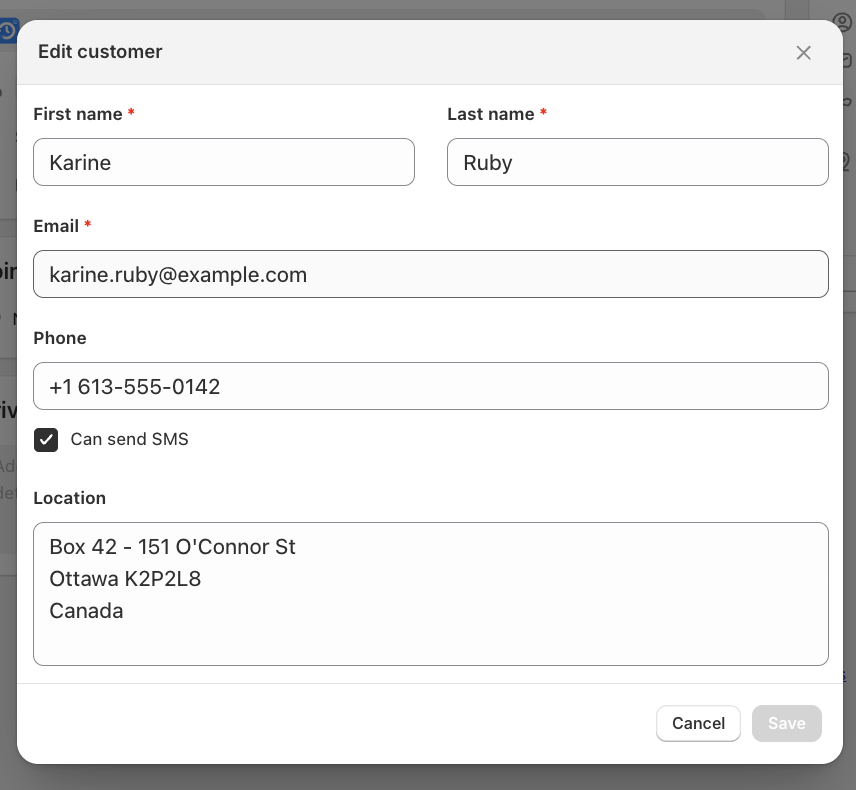
You can make edits or changes to the customer’s information by clicking the button Edit.
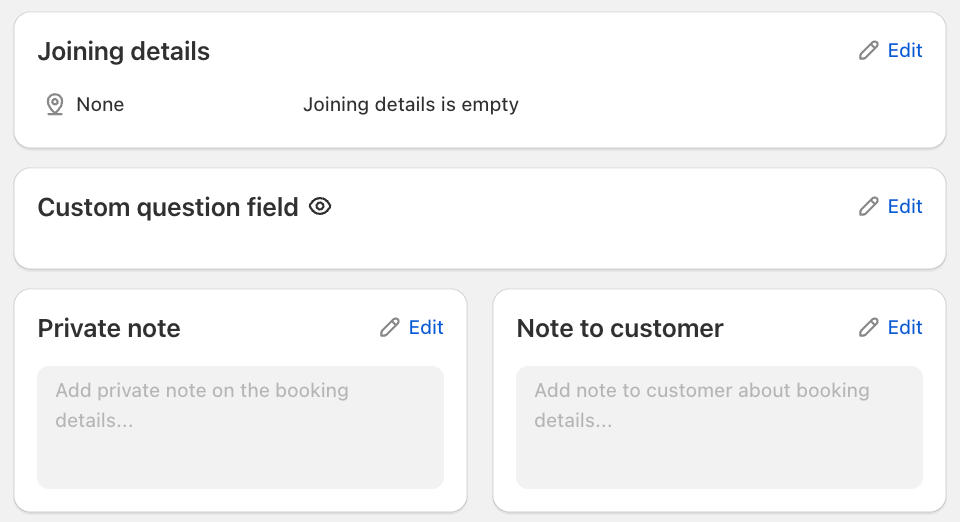
In the other 3 sections, you can see Joining details of the booking, whether it takes place through phone, Zoom or at an address. Custom question field allows you to view or manage additional information collected from the customer through custom booking questions. The private note section allows you to add internal information about the booking. Note to customer section allows you to add information specifically intended for the customer.
You can also make edits or changes to those details by clicking the button Edit.
To save all changes, click the Save button at the left bottom of the page.